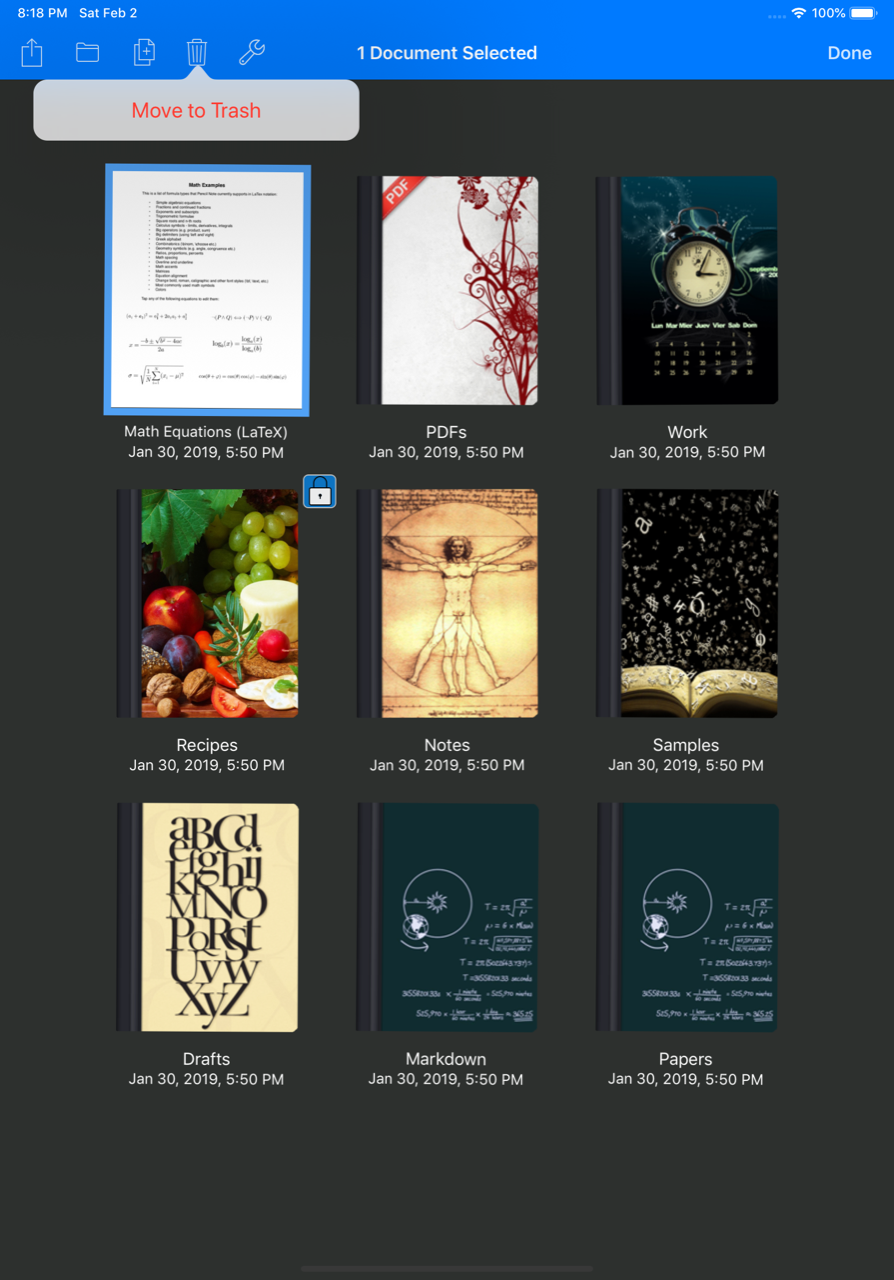
How to delete a document or folder? Notes Writer Team February 26, 2019 22:52 Updated Follow Tap the “Select” button then tap the document or folder you want to delete and tap the “Trashcan” button on the top toolbar. See attached screenshot and video. Related articles How to order the documents by title, size or date? What is the difference between the free Notes Writer version and Notes Writer Pro? Recover deleted file on iCloud.com Download Notes Writer User's Guide v.1.0 (PDF Document) Comments 0 comments Please sign in to leave a comment.

Comments
0 comments
Please sign in to leave a comment.